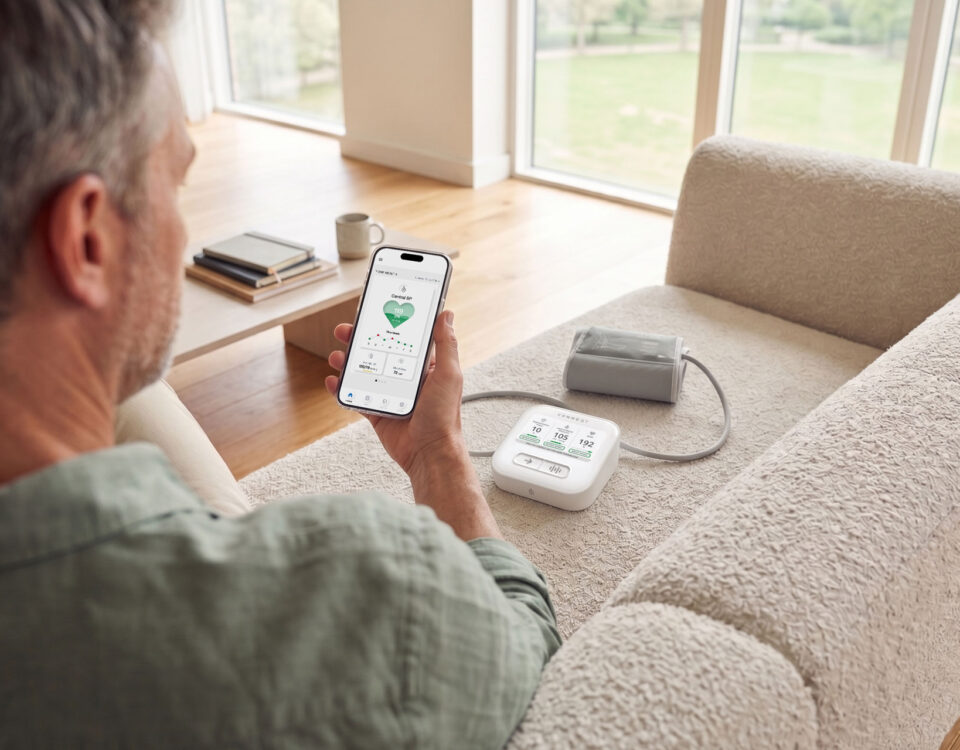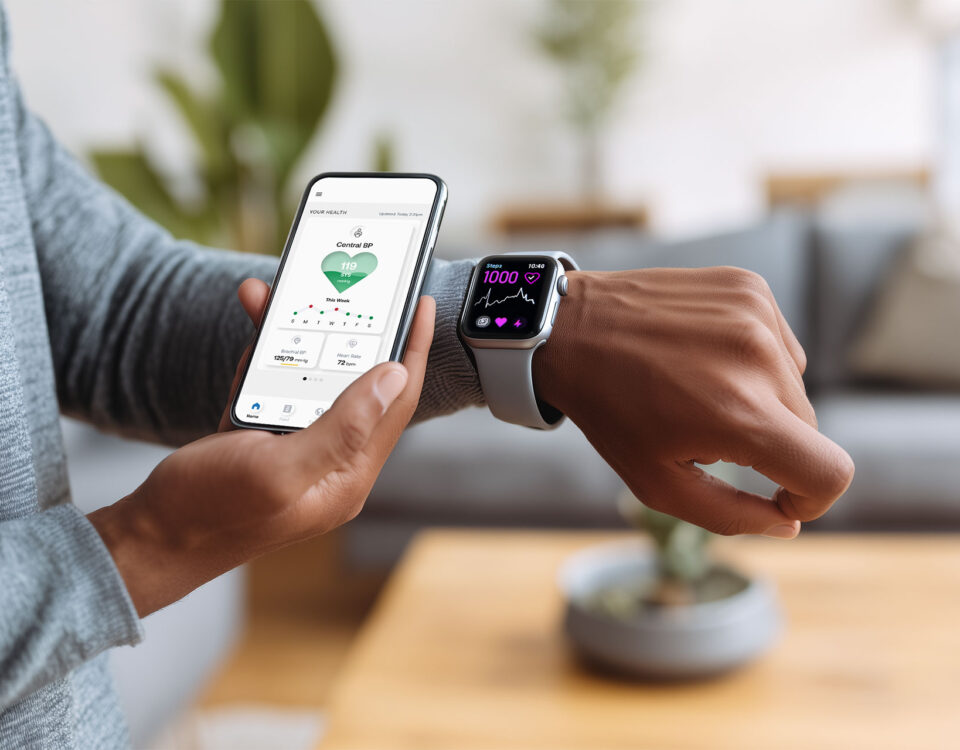


A walkthrough of the CONNEQT app, from your dashboard and reports to exporting your readings.
Empowering your heart health starts with the right tools. The CONNEQT app is your personalized guide, giving you the confidence to monitor your health, understand your numbers, and take actionable steps toward lasting wellness. Let’s take a closer look at how the app works and how you can make the most of its powerful features.
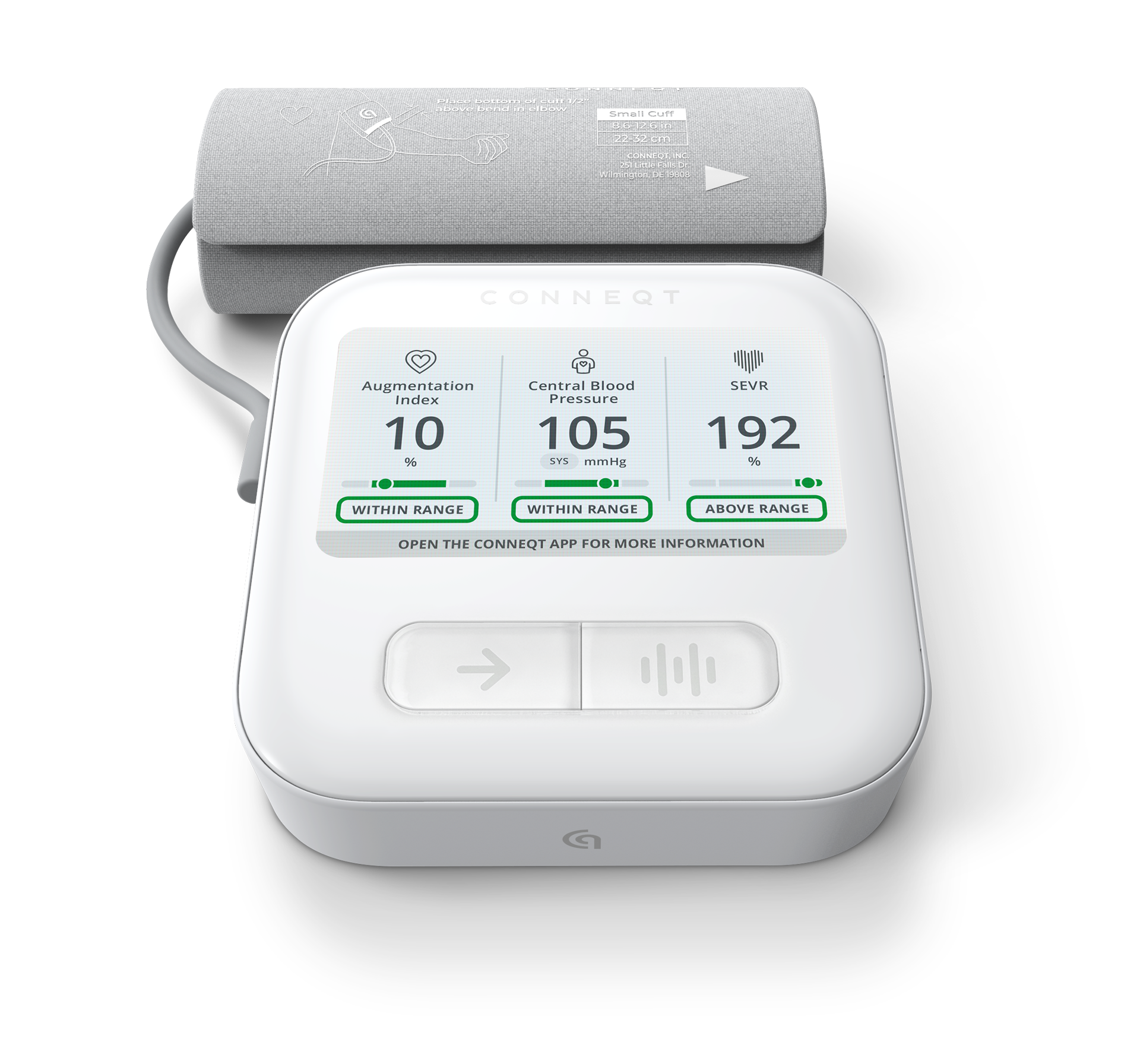

Medical Grade, Accurate, FDA-Cleared Heart Insights.
Save 10% on checkout with code VITALITY
In this article
- Feed
- Guided Programs
- Reports
- Data Export
- Apple Health Integration
- Help and Support
- Why It All Matters
Dashboard: The power of your numbers
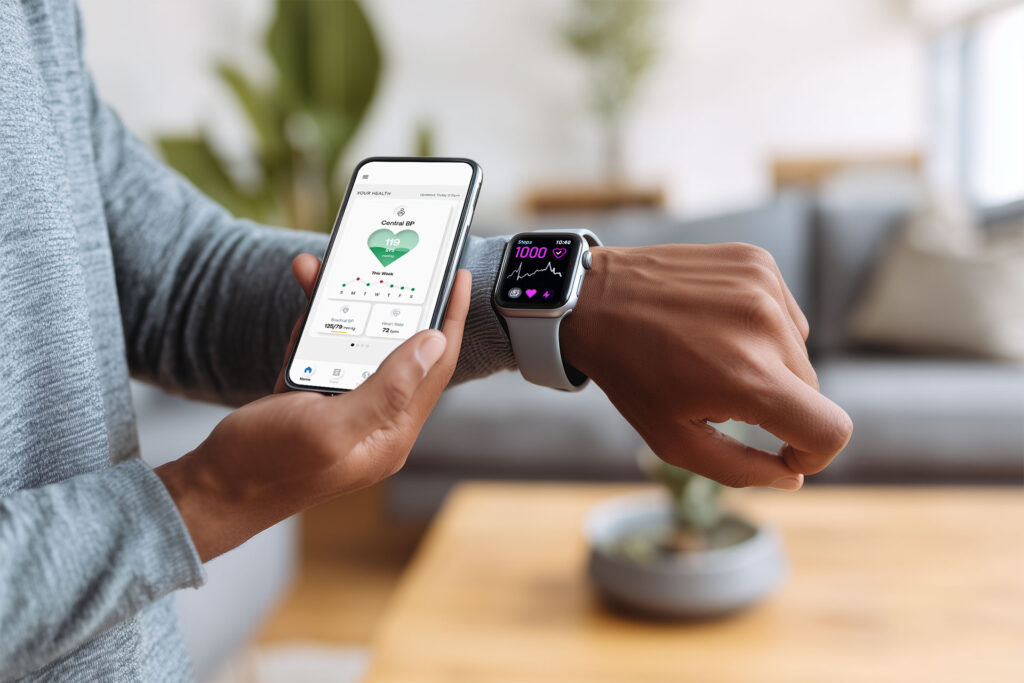
The dashboard is the heart of the CONNEQT app, providing a clear snapshot of your key health metrics. With a focus on Heart Health, Brain Health, and Arterial Health, the dashboard helps you understand your numbers and how they connect to your overall well-being.
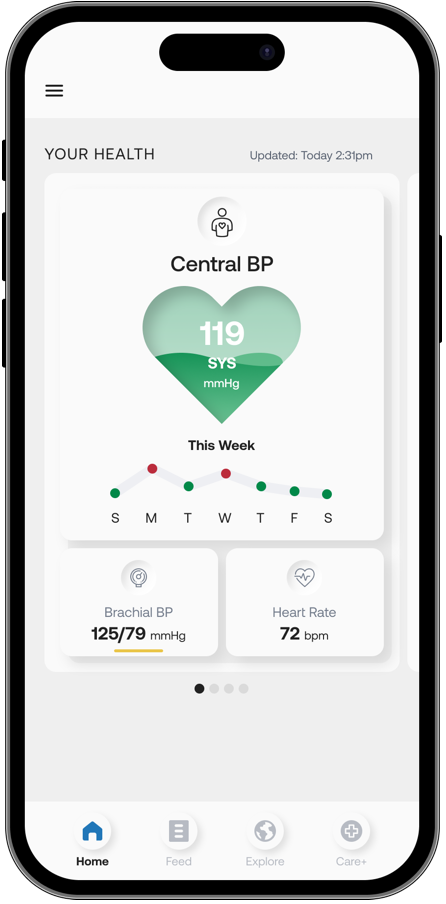
How it works
- See the big picture: Your most recent readings appear as soon as the app syncs with your Pulse.
- View trends: Tap into any metric to see graphs and patterns over time.
- An easy resource: This dashboard makes it easy to connect your daily readings with your overall heart health.
Feed: weekly expert content
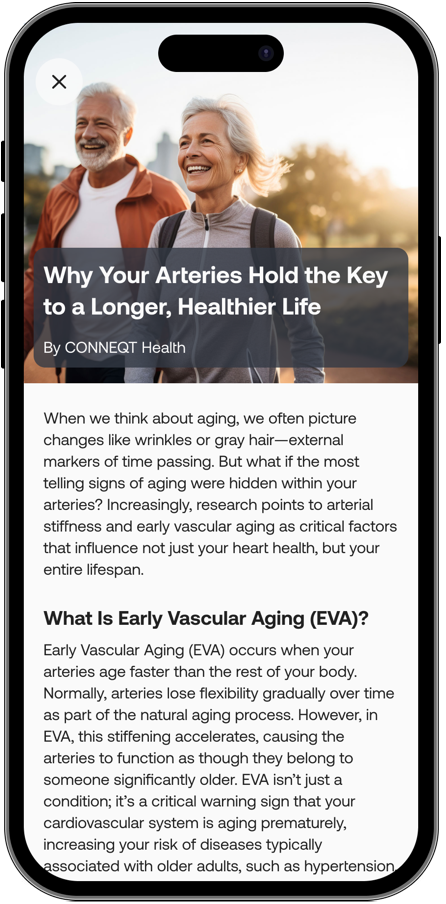
Heart health isn’t just about measurements. The Feed tab delivers weekly content tailored to your health journey.
- Fresh weekly content: Learn about topics like heart-healthy eating, exercise strategies, and blood pressure management.
- Bookmark favorites: Save the content you find most helpful so you can revisit it anytime.
The Feed gives you access to trusted, practical advice designed to help you live your healthiest life.
Guided Programs: step-by-step support
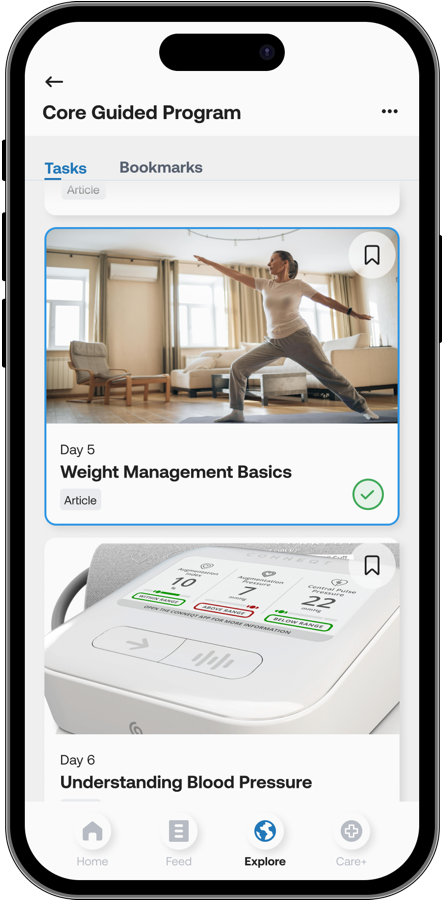
The Explore tab is where Guided Wellness Programs live. These structured programs provide actionable steps to help you build lasting habits.
- Weekly tasks: Programs are broken into 7-day increments, with daily tasks like reading an article or completing a specific activity. At the end of each week, new tasks unlock automatically.
- Track your progress: Mark tasks as complete to stay motivated and see how far you’ve come.
Whether your goal is to lower blood pressure, improve fitness, or develop heart-healthy habits, these programs provide the support and structure you need.
Reports: your health in focus
All reports are stored in the Care+ tab of the app, so you always know where to find them:
- Baseline Report: Always included with your device, this 5-page report is generated when you complete your Baseline Assessment. It gives you an initial snapshot of arterial health.
- On-Demand Reports: With Care+ or a 10-pack of On-Demand Assessments, you can create these quick 5-page reports whenever you want a fresh check-in.
- Monthly Cardiology Reports: With Care+, you’ll receive a comprehensive 12-page report every 30 days, including trend graphs, seven key vascular biomarkers, and a structured physician summary.
The Care+ tab is your central hub for viewing, generating, and sharing reports with your care team.
Data Export: download your reading history
Your readings are yours, and you can take them with you.
The CONNEQT app lets you export your readings as a CSV file, for any date range you choose, right up to your full history. From there, it’s yours to save, organize, or use outside the app, including in a conversation with your clinician
It’s available to every Pulse user at no additional cost. A Care+ subscription is not required.
It’s one of the most requested features from CONNEQT users.
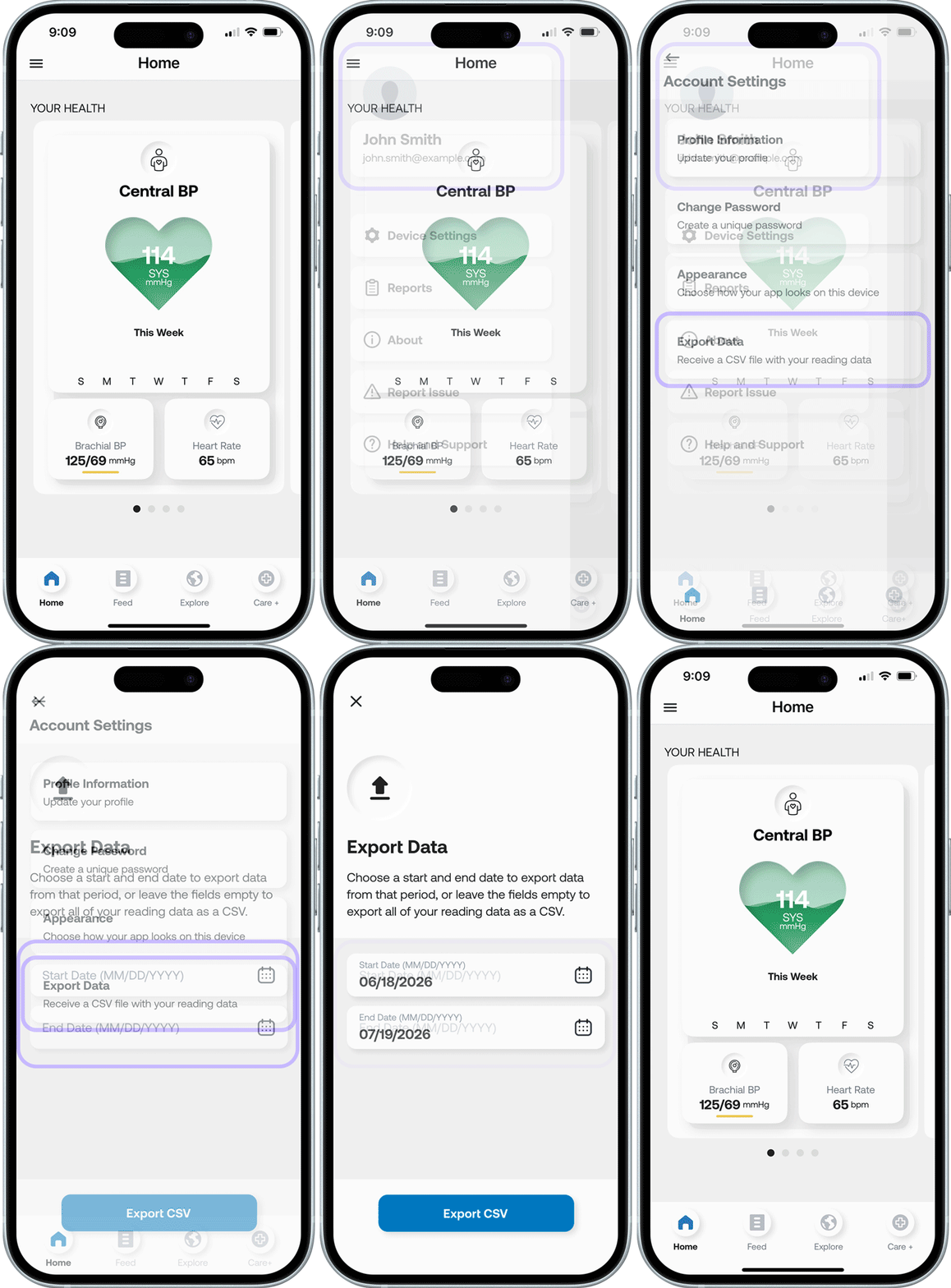
How to export your data
- Open the app and tap the hamburger menu.
- Make sure you have the latest version of the CONNEQT app installed.
- Tap the square that shows your name and email address at the top of the menu.
- Select “Export Data” at the bottom of the Account Settings menu.
- Choose the start and end dates for your export.
- Tap “Export CSV.”
You’ll see a message confirming your export is in progress. When it’s ready, we’ll send a download link to the email address on your CONNEQT account, so keep an eye on your inbox.
Apple Health integration: view your data in one place
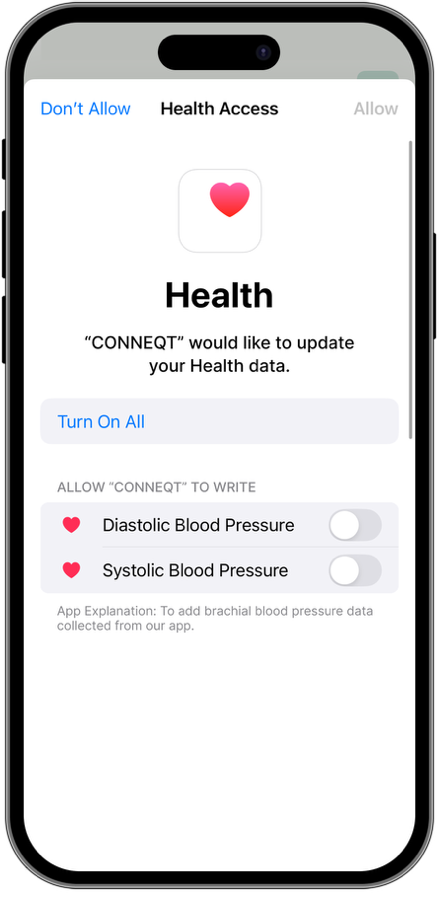
If you’re using an iPhone, the CONNEQT app can sync brachial blood pressure readings with Apple Health. This optional connection allows you to view your data alongside other health information, like sleep, steps, and activity, in one secure place. You’ll continue to access advanced cardiovascular insights, such as central blood pressure and arterial stiffness, directly within the CONNEQT app.
How to connect to Apple Health
When you first open the CONNEQT app, you’ll be prompted to activate Apple Health integration.
If you skip this step, you can connect anytime by:
- Opening the Apple Health app.
- Tapping your profile picture in the top right corner.
- Selecting Apps, then choosing CONNEQT Health from the list.
- Toggling Systolic Blood Pressure and Diastolic Blood Pressure to allow CONNEQT to write data to Apple Health.
Help and support
Got questions? The app’s Help section is here to assist you:
- FAQs: Find answers to common questions about the app and device features.
- How-To Guides: Step-by-step instructions help you navigate the app with ease.
- Report Issues: If something isn’t working as expected or you have feedback, use the Report Issue button to let us know.
The Help section ensures you’re never left wondering how to use the app or troubleshoot a problem.
Why it all matters
The CONNEQT app is more than just a tool for monitoring blood pressure. By organizing your metrics into clear categories and pairing them with expert resources and guided programs, it empowers you to understand your health and take actionable steps to improve it.
What to read next
Now that you know your way around the app, here’s where to take it next.
- How to Use CONNEQT Pulse for Accurate Readings and Better Heart Health Tracking – The technique that makes every reading in the app one you can trust.
- How to Read and Use Your Pulse Reports for Better Heart Health – What your reports are actually telling you, and how to act on them.
- What Is CONNEQT Care+? Reports, Options, and What to Expect – A closer look at the subscription behind your monthly reports and on-demand assessments.
Want to go deeper? Browse the full library.